AI-powered online vector converter

Convert Photo to SVG

Convert Any Photo into a Clean, Scalable SVG

Convert PNG, JPG, or WebP Images to SVG in Seconds with Our Photo to SVG Converter, and Instantly Get Crisp, Infinitely Scalable High-Quality Vector Graphics.

  • 3 free conversions with an account
  • 12,500+ makers & crafters
  • 500+ conversions in the last 24 hours
Upload your image

JPG, PNG, WebP · Up to 25 MB · Drag and drop supported

View and download the full result with no watermark

  • 2~5-second conversion
  • no watermark

WHY CHOOSE US

Why Choose Our AI Photo-to-SVG Converter

Our AI vectorization engine intelligently identifies image structure, contours, and details, transforming bitmaps into professional-grade vector graphics. It produces clean, editable SVG output with high precision for design, printing, manufacturing, and other professional applications.

AI-Powered Vectorization

AI understands shapes and structures at a semantic level, automatically creating smooth, clean Bézier curves while enhancing details in low-resolution images.

The resulting paths use fewer anchor points, deliver greater precision, and are easier to edit—making it easy to turn ordinary bitmaps into high-quality SVG files that can scale to any size without losing quality.
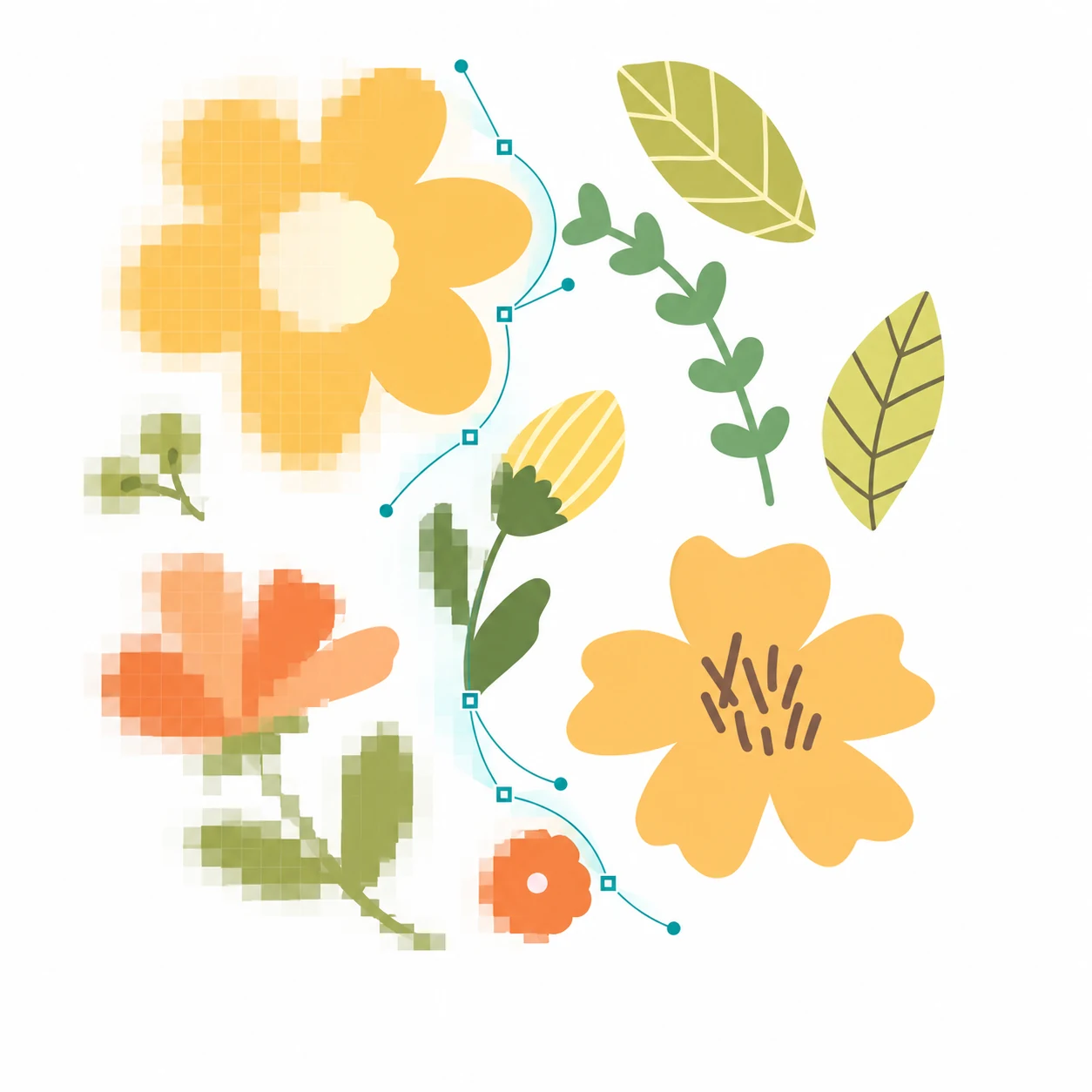
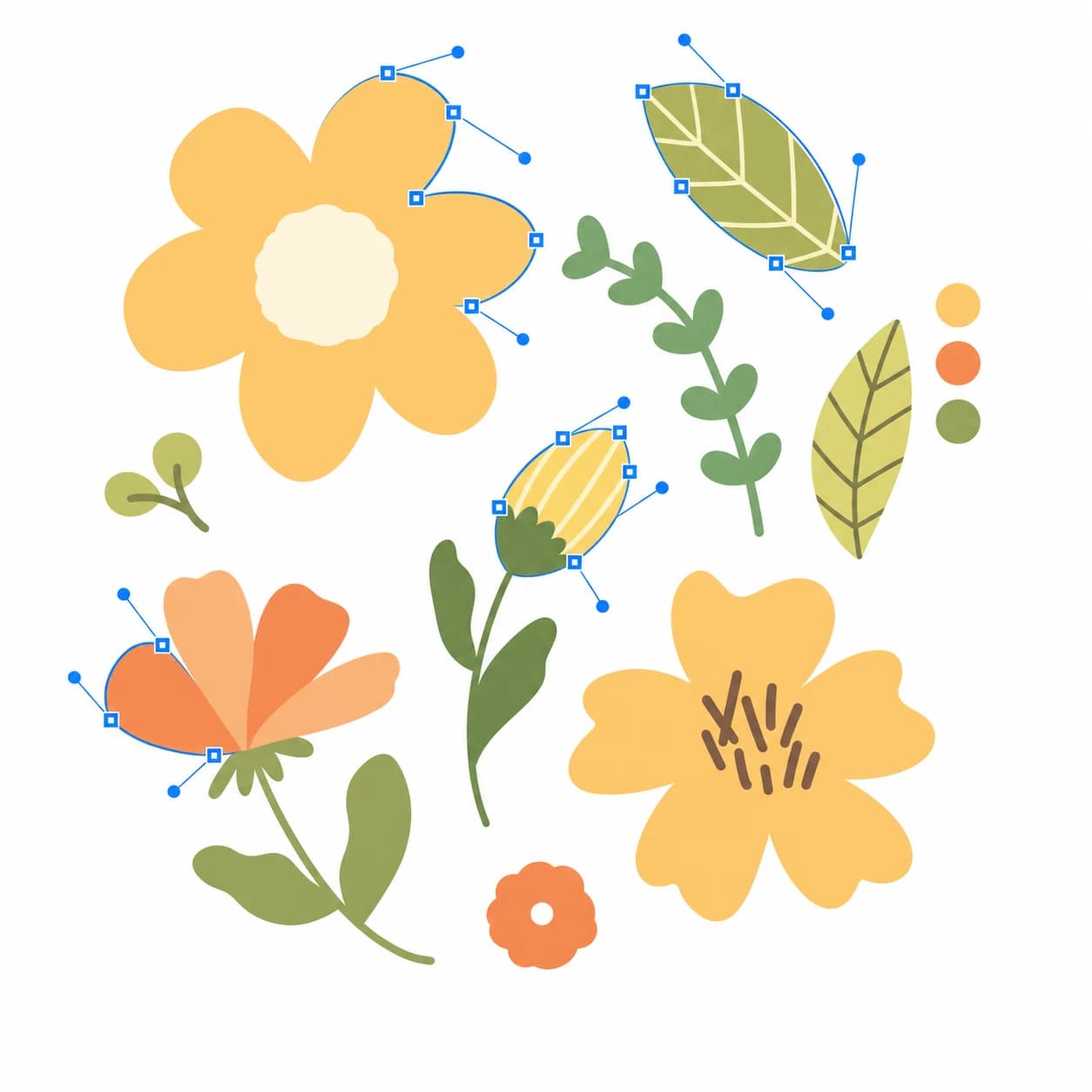
A floral illustration transitioning from pixelated raster detail into clean vector paths with control points

Create Layered, Multicolor SVGs

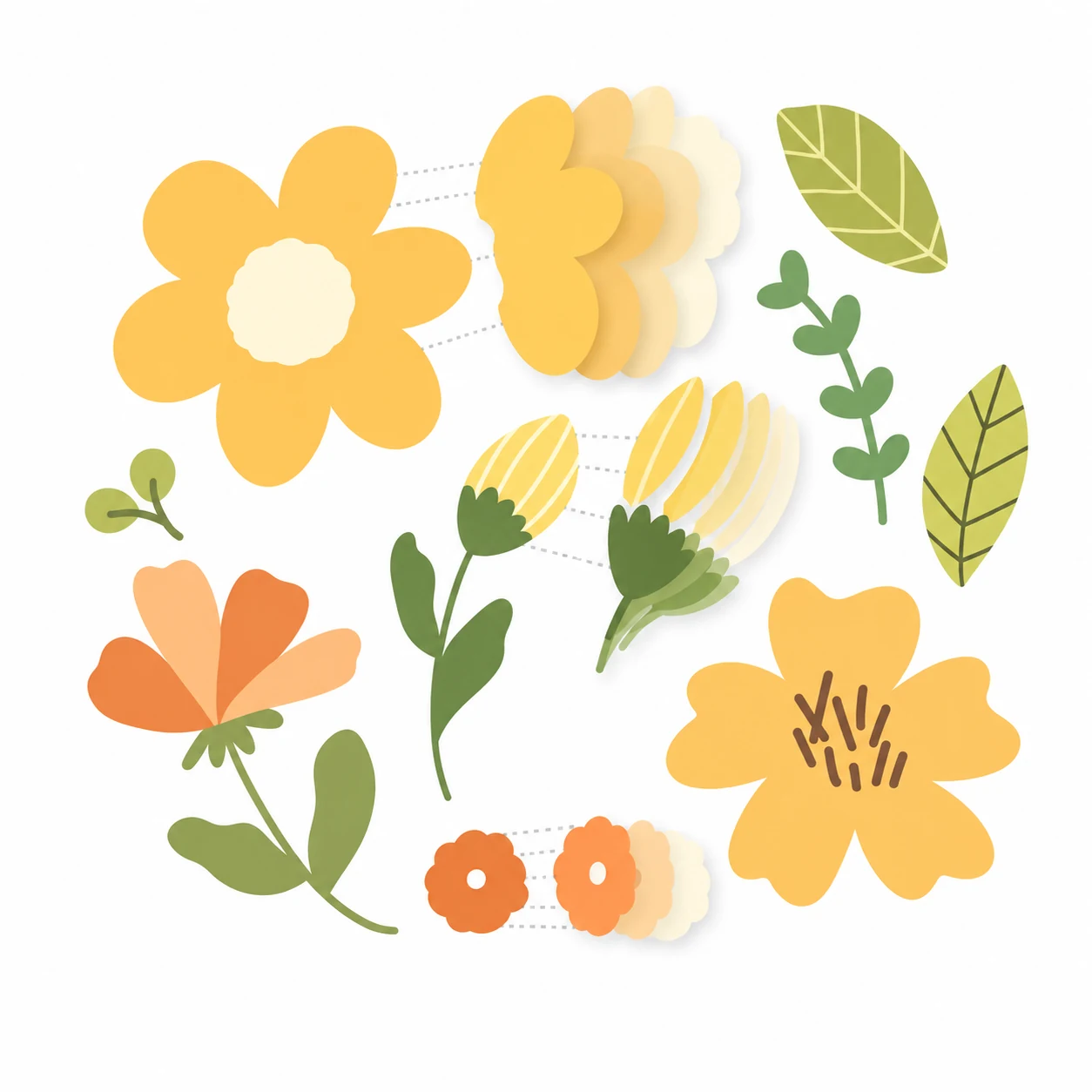
When generating SVGs, the Photo-to-SVG converter also makes it easy to create color-layered SVG files. Whether you need multilayer SVGs, cut files, 3D layered designs, plywood cutting projects, papercraft projects, or layered 3D plywood mandalas, you get clearly structured, highly detailed vector output.

The Photo-to-SVG converter provides high-quality, precise, and reliable vector files for your creative design, production, and fabrication needs.

A floral illustration separated into aligned multicolor SVG layers

Powerful SVG Editing

The Photo-to-SVG converter gives you complete control over every vector file. Easily adjust and modify each layer with tools for cutting, erasing, and duplicating for a more flexible, efficient editing workflow.

With the Photo-to-SVG converter, creating and editing vector graphics has never been easier.

A floral illustration with editable vector paths, anchor points, curve handles, and color controls

Product Features

Why choose our photo-to-svg converter

Instantly convert JPG, PNG, and raster images to crisp SVG vectors. Enjoy precise color layering and watermark-free downloads, fully ready for engraving, printing, and commercial design.

Lightning Fast

AI vectorization processes images in seconds, so you can get SVG conversion results quickly without a long wait.

Infinite Resolution

Scale images freely for anything from small icons to large-format printing while keeping every detail crisp and sharp.

Fully Editable

Adjust and refine converted images, change colors, improve details, and export your work in multiple popular image formats.

AI-Powered Tracing

AI analyzes edges, shapes, and fine details to automatically generate smoother, more accurate SVG vector paths.

Batch Conversion

Upload and process up to 50 images at once—ideal for converting batches of logos, icons, illustrations, or product assets.

Multiple Export Formats

Export to SVG, PNG, JPG, or WebP for convenient use across websites, design projects, printing, and sharing.

No Software Installation Required

The entire conversion process happens right in your browser—no need to download or install Illustrator, Inkscape, or any other software. Simply open the page to start converting, fully supporting Windows, macOS, Linux, iPhone, and Android devices.

Fully Editable & Customizable

The converted SVG retains complete vector properties, allowing you to freely edit path colors, modify nodes, and tweak design details in Adobe Illustrator, Figma, Inkscape, or other design tools.

No Watermarks, Free for Commercial Use

All generated SVG files are 100% watermark-free. Download and use them directly for your personal projects, commercial designs, or high-res printing needs with total freedom.

Three simple steps

How does our image vectorization tool work?

Go from an uploaded image to a crisp, scalable vector file—no professional design experience required.

Upload your image

Drag and drop or select PNG, JPG, or WebP files from your device. Convert a single image or upload multiple images for batch processing.

Automatic AI vectorization

Once uploaded, AI automatically analyzes the image, identifying edges, colors, contours, and shapes to generate optimized SVG vector paths.

Preview, download, or export

When the conversion is complete, preview and download your SVG instantly. You can also export the result as PNG, JPG, WebP, or other common formats.

Batch uploadsAutomatic AI processingMultiple export formats
3 free conversions with an accountNo watermark

FAQ

Photo to SVG FAQs

How does the Photo to SVG converter work?

Upload a JPG, PNG, or WebP photo and the converter analyzes its shapes, edges, and colors to create a clean, scalable SVG vector file that you can preview and download.

What is the best SVG converter?

It depends on your needs. Photo to SVG Converter is an AI vectorization tool that converts raster images into clean, scalable SVG files in seconds through a simple upload-and-download workflow.

What is the purpose of SVG files?

SVG files are used to create scalable, high-quality graphics that remain clear regardless of size.

Designers use SVG for logos, icons, illustrations, UI elements, and brand assets because they can be scaled without losing quality.

SVG files are also an ideal choice for web and application design: they load quickly, appear crisp on all screens, and can be easily edited, styled, or animated

Are my uploaded images stored?

No. Your files will be permanently deleted after processing is completed, and the system will not store any of your content.

Your image is ready when you are

Create your first scalable SVG

Upload a JPG, PNG, or WebP image and turn it into an editable SVG in just a few clicks.

  • Secure checkout
  • Cancel anytime
  • Pay as you go or subscribe