Lightning Fast
AI vectorization processes images in seconds, so you can get SVG conversion results quickly without a long wait.
AI-powered online vector converter
The AI vectorization engine automatically detects outlines, colors, and key shapes to create SVG files that are easier to scale, edit, and reuse across websites, print, and brand design.
JPG, PNG, WebP, GIF, AVIF, HEIC, BMP, ICO, or PDF · Up to 25 MB · Drag and drop supported
View and download the full result with no watermark
AVIF basics
The AVIF image format originates from the AV1 video codec developed by the Alliance for Open Media, with its official specification released in February 2019.
Backed by major tech companies including Google, Apple, Microsoft, Amazon, and Netflix, the royalty-free format utilizes AV1's intra-frame encoding tools to compress static images with efficiency far surpassing JPEG, PNG, and WebP. AVIF uses the HEIF (High Efficiency Image File Format) container to store images, supporting both lossy and lossless compression, High Dynamic Range (HDR) with up to 12-bit color depth, wide color gamuts, alpha transparency channels, and animated sequences.
At equivalent visual quality, AVIF can produce smaller files than older formats such as JPEG and WebP. This efficiency can help websites reduce bandwidth consumption and improve page loading performance while maintaining strong visual quality.
| Property | AVIF | SVG |
|---|---|---|
| Extension | .avif | .svg |
| Full Name | AV1 Image File Format | Scalable Vector Graphics |
| Type | Raster Image | Vector Image |
| MIME Type | image/avif | image/svg+xml |
| File Format | Binary | XML Text |
| Compression | AV1 (supports lossy and lossless compression) | XML text (can be compressed into SVGZ) |
| Transparency | Supported | Supported |
| Animation | Supported | Supported (via CSS, JavaScript, SMIL) |
| Best Used For | Photos, web graphics, high-quality images | Logos, icons, illustrations, UI graphics, charts |
| Supported Software | Modern Chrome, Firefox, and Edge; supported versions of Photoshop, GIMP, and Paint.NET | Inkscape, Adobe Illustrator, Figma, CorelDRAW, modern browsers |
AVIF to SVG conversion is the process of converting raster images encoded in the AV1 Image File Format (AVIF) into Scalable Vector Graphics (SVG) files.
This typically involves tracing or recreating the shapes, colors, and paths in pixel-based AVIF as vector primitives, allowing the image to be scaled endlessly without sacrificing fidelity—making it ideal for graphics like logos and illustrations.
Product Features
Batch processing, high-quality output, fast conversion, and secure handling — everything you need to turn AVIF artwork into scalable SVG files.
AI vectorization processes images in seconds, so you can get SVG conversion results quickly without a long wait.
Scale converted artwork from small web graphics to large-format printing while keeping vector edges crisp and sharp.
Adjust vector paths, refine shapes, and change colors in compatible SVG editing software.
AI analyzes edges, colors, and shapes to automatically generate smoother, more accurate SVG vector paths.
Upload and process up to 50 images at once—ideal for converting batches of icons, stickers, and web graphics.
Download SVG artwork that is ready to use across websites, design projects, printing, and sharing.
Quickly upload and convert one or multiple AVIF files through a straightforward browser-based workflow.
Turn AVIF artwork into clean SVG graphics while retaining clear outlines, colors, and recognizable shapes.
Your AVIF and SVG files are processed securely and automatically deleted after conversion.
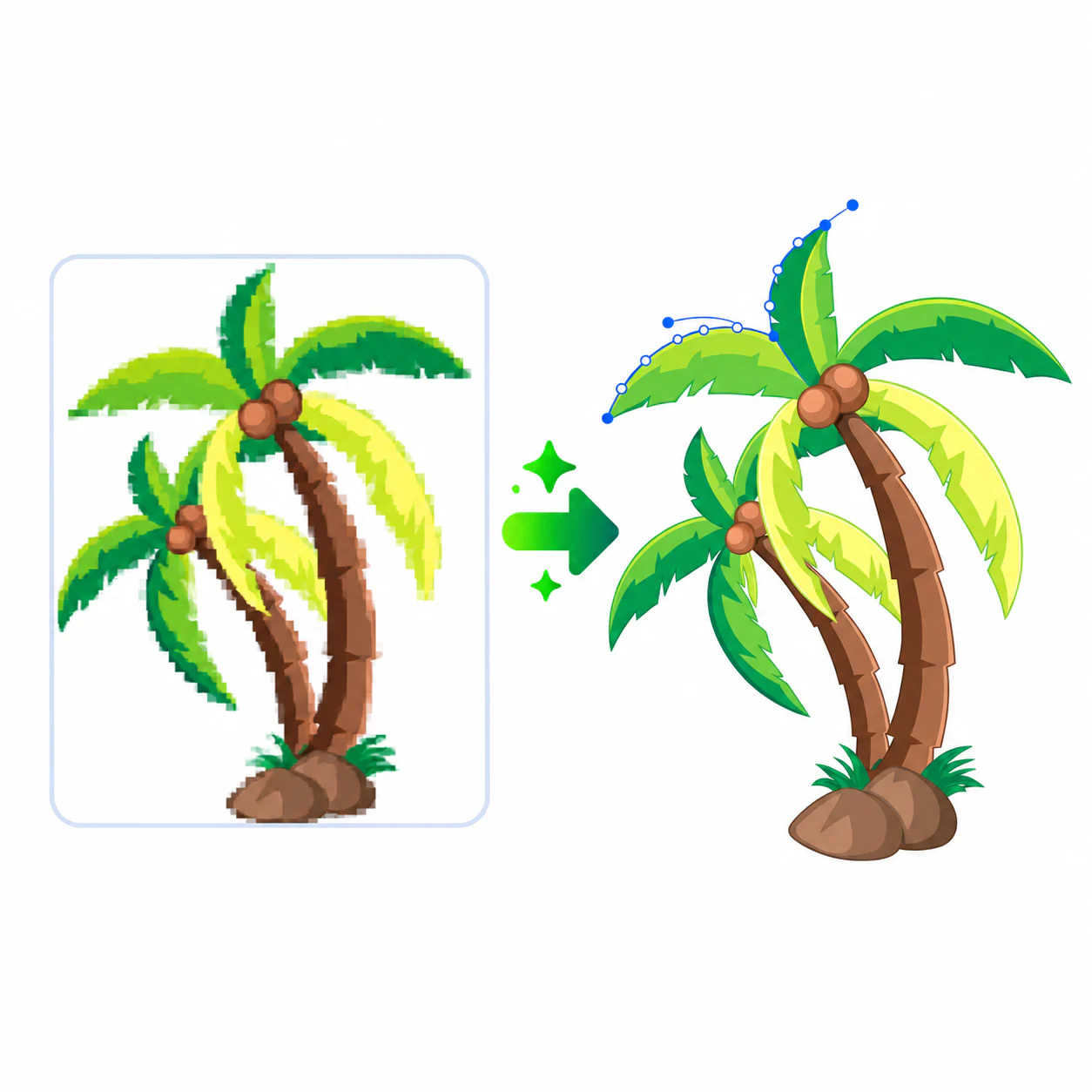
JPGtoSVG is an AI-powered image-to-SVG converter that supports JPG, PNG, WebP, and AVIF formats. It transforms ordinary images into crisp, infinitely scalable vector graphics in seconds. Whether you are working with brand logos, app icons, illustrations, or other graphic elements, its advanced AI vectorization technology quickly produces high-quality SVG results.

Unlike conventional image-tracing tools, JPGtoSVG does not produce bloated, cluttered SVG files. It optimizes vector paths to reduce file size while preserving crisp visual quality. From web development and graphic design to digital marketing, printing, and professional design projects, it provides reliable, high-quality vector graphics for every workflow.
Go from an uploaded image to a crisp, scalable vector file—no professional design experience required.
Drag and drop or select AVIF files from your device. Convert a single image or upload multiple images for batch processing.
Once uploaded, AI automatically analyzes the image, identifying edges, colors, contours, and shapes to generate optimized SVG vector paths.
When the conversion is complete, preview and download your SVG instantly. You can also export the result as PNG, JPG, WEBP, or other common formats.
Frequently asked questions
Each user receives three free conversions that do not expire.
Most conversions finish in 2–5 seconds. The exact processing time depends on the file size and server load.
Yes—our AVIF to SVG converter supports batch uploads. You can upload and convert up to 50 AVIF files to SVG in a single batch, with a maximum file size of 25 MB per image.
Your uploaded AVIF files are automatically deleted immediately after conversion. We do not store any of your images or personal data.
Your AVIF is ready when you are