Characteristics of JPEG
- Pixel-based, making it prone to distortion when enlarged
- Suitable for standard photos and basic design assets
- Files are usually small and easy to share
- Not suitable for frequent scaling or deep vector editing
AI-powered online vector converter
AI-driven image tracing analyzes outlines, colors, and key shapes while reducing JPEG compression noise to create editable vector paths for websites, print, and professional design projects.
JPG, PNG, WebP · Up to 25 MB · Drag and drop supported
View and download the full result with no watermark
Why convert
JPEG is a common bitmap format that is suitable for displaying photos and web graphics, but it is limited by pixel resolution when zoomed in, repeatedly edited, or resized. Converting your JPEG to SVG makes it easier to maintain image clarity, edit vector paths, and reuse the asset across different sizes.
convert jpeg to svg
Of course.
Our JPEG to SVG converter adopts AI intelligent vectorization technology, which can automatically recognize contours, colors, edges, and details in images and quickly generate high-quality SVG vector images.
The entire process does not require professional design experience, simply upload images to complete the conversion.
WebP basics
Unlike JPEG—a bitmap format that loses sharpness and gets pixelated when zoomed in—SVG is a resolution-independent vector format. It scales limitlessly without any loss of quality, making it the perfect choice for logos, icons, illustrations, laser engraving, Cricut projects, print design, and web graphics.
Once converted, you can tweak colors and remove elements right on our website. Alternatively, download the SVG to fine-tune vector paths, shapes, and colors inside standard design tools like Adobe Illustrator, Figma, or Inkscape to streamline your creative process.
Use JPEG or SVG
In practice, there is no difference between .jpg and .jpeg—using either extension will not affect your image quality or conversion results. Both follow the exact same format specs, and our AI converter handles both with the same high standards. Feel free to upload whichever file you have!
PEG is an image compression format originally developed by the Joint Photographic Experts Group, with the official file extension .jpeg.
Because early Windows operating systems only supported three-letter file extensions, .jpeg was shortened to .jpg. Although modern operating systems fully support four-letter extensions, .jpg remains the most widely used format today.
So whether your images are. jpg or. jpg, they all have common characteristics:
Therefore, whether you upload a JPG or JPEG file, our AI converter applies the same high-quality processing workflow to produce clean, infinitely scalable SVG vectors.
Product Features
Effortlessly turn your JPG, PNG, WEBP, HEIC, and GIF images into clean SVG vectors online. Batch process up to 50 files with maximum speed and precision.
AI vectorization processes images in seconds, so you can get SVG conversion results quickly without a long wait.
Scale images freely for anything from small icons to large-format printing while keeping every detail crisp and sharp.
Adjust and refine converted images, change colors, improve details, and export your work in multiple popular image formats.
AI analyzes edges, shapes, and fine details to automatically generate smoother, more accurate SVG vector paths.
Upload and process up to 50 images at once—ideal for converting batches of logos, icons, illustrations, or product assets.
Export to SVG, PNG, JPG, or WEBP for convenient use across websites, design projects, printing, and sharing.
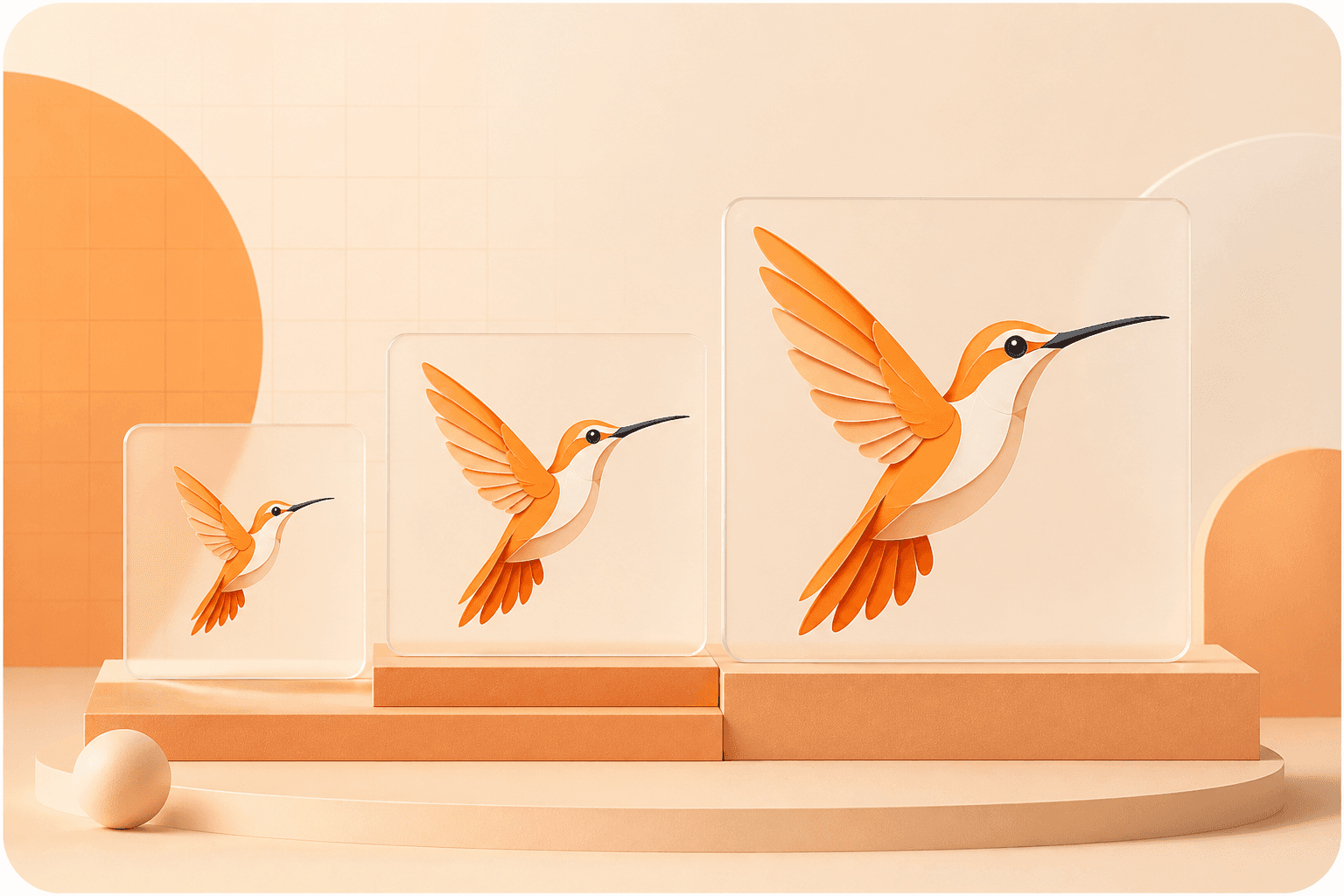
SVG is a vector format that can be scaled up or down freely without becoming blurry, pixelated, or losing visual quality. From small interface icons to large billboards, the same SVG file remains crisp and sharp at every size.
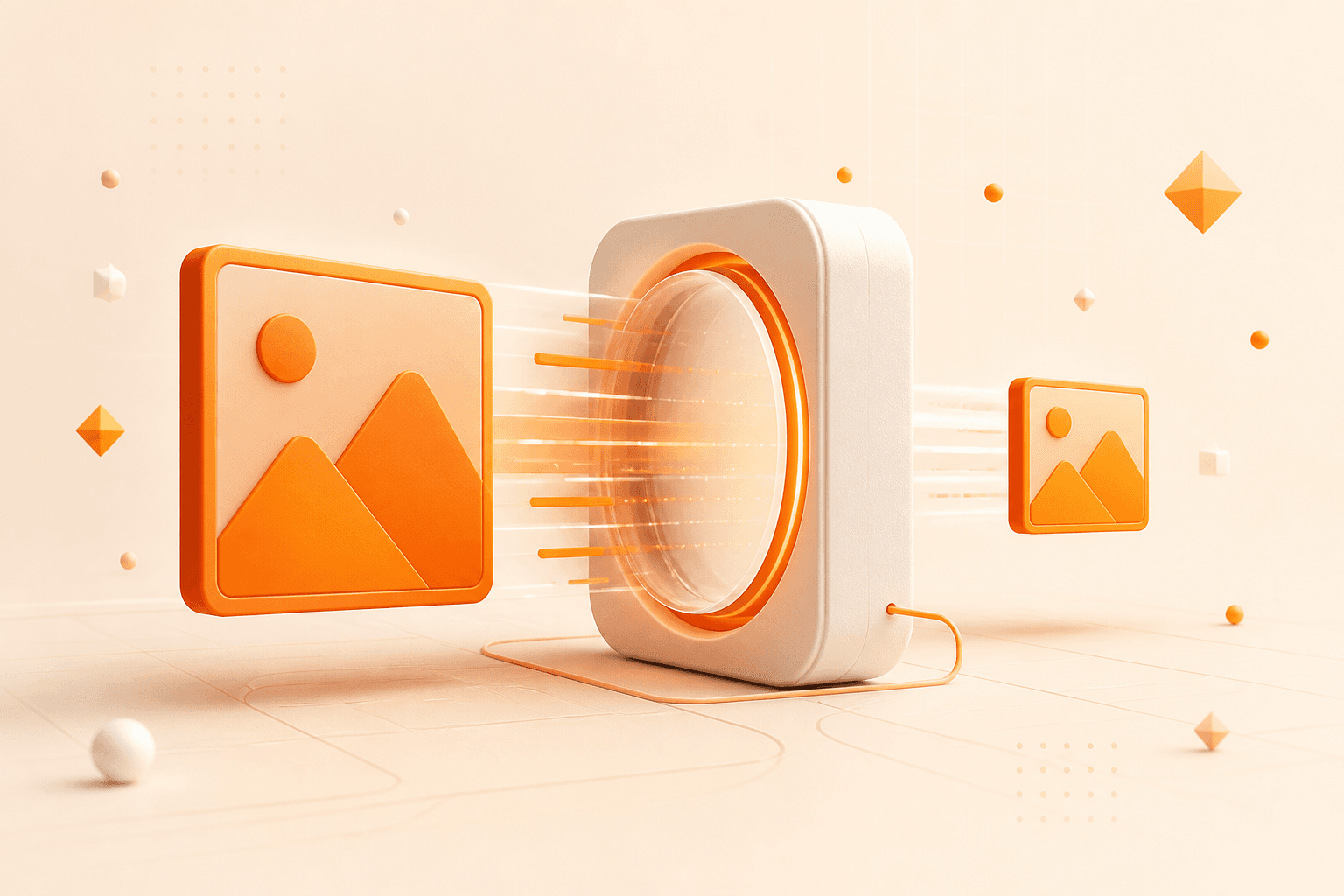
Compared with high-resolution PNG or JPG files, SVG files are often smaller in many use cases. This can improve page loading speed, create a better user experience, and contribute to stronger SEO performance.
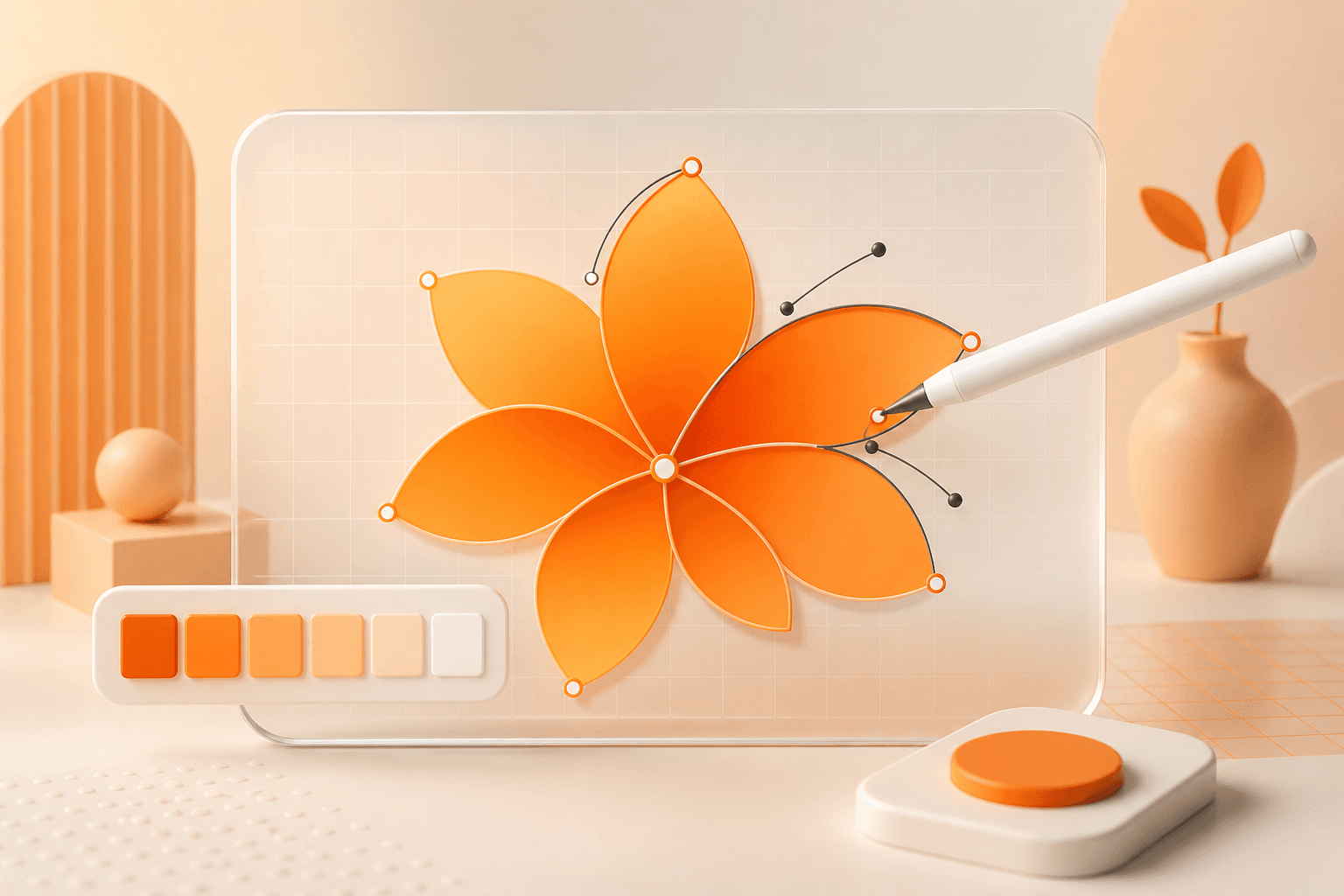
SVG files remain editable in professional design software, and their colors, dimensions, and styles can also be adjusted directly in code. This makes future revisions and customization significantly more flexible.
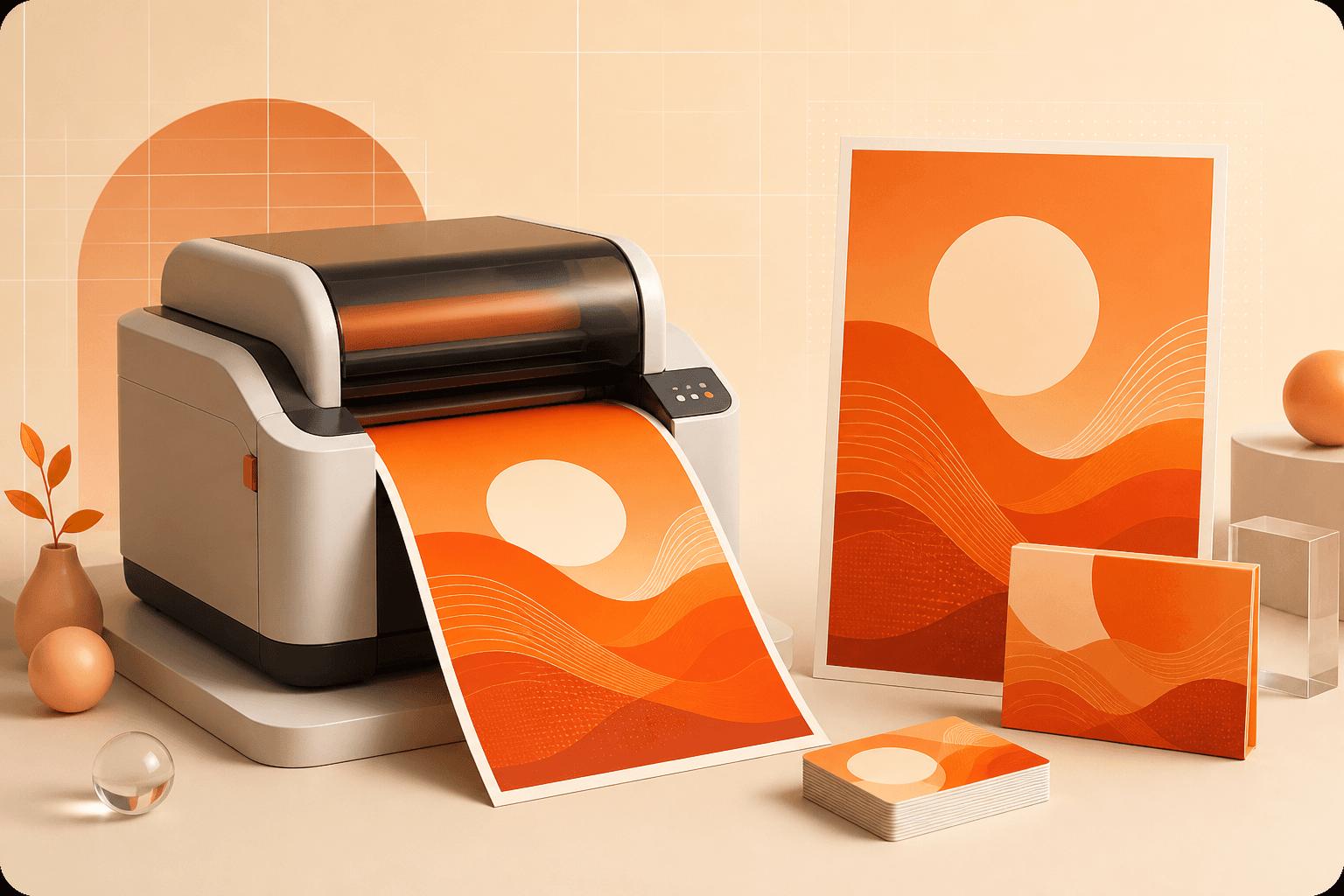
Vector graphics are widely used in print design because they preserve clean edges and consistent quality at any size. SVG is ideal for posters, packaging, business cards, promotional materials, and other professional print applications.
Go from an uploaded image to a crisp, scalable vector file—no professional design experience required.
Drag and drop or select PNG, JPG, or WEBP files from your device. Convert a single image or upload multiple images for batch processing.
Once uploaded, AI automatically analyzes the image, identifying edges, colors, contours, and shapes to generate optimized SVG vector paths.
When the conversion is complete, preview and download your SVG instantly. You can also export the result as PNG, JPG, WEBP, or other common formats.
Frequently asked questions
Yes. The converter traces the JPEG image into scalable SVG paths that you can refine in compatible vector design software.
Due to historical reasons of the main operating system: -Early Windows could only support display of three character extensions, which resulted in the use of only . jpg -MacOS, Linux: Usually using . JPEG -Modern systems: both extensions are supported
You can directly modify JPG to JPEG, or you can modify JPEG to JPG without changing the image content or affecting the image quality.
When you need graphics that are scalable, easy to edit, suitable for responsive design or print output, SVG is more suitable than JPEG.
Your image is ready when you are